I couldn’t figure out how to delete old ChatGPT images from my Library — here’s the hidden method that finally worked
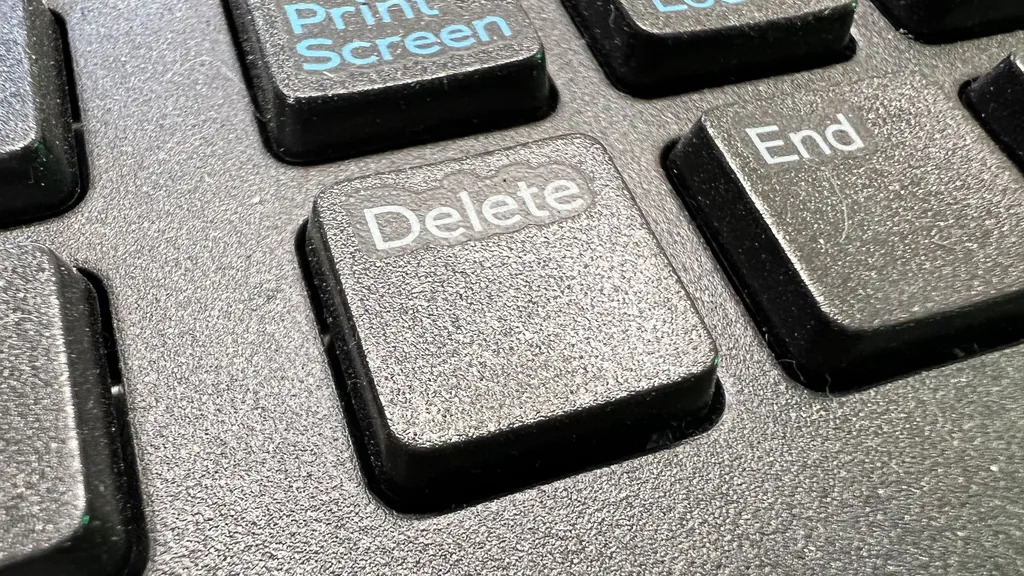
Deleting old images from the ChatGPT Library can be complicated. Users can only delete newly created images directly, while older images remain in a separate menu without a delete option. A workaround involves deleting the entire chat where the image was created, which removes all images from that chat.
- ▪ChatGPT allows users to create images easily, but deleting older images is not straightforward.
- ▪The delete option is available only for newly created images in the new Library feature added in May 2026.
- ▪To delete an old image, users must delete the entire chat where the image was created, which will remove all images from that chat.
Opening excerpt (first ~120 words) tap to expand
AI Platforms & Assistants OpenAI ChatGPT I couldn’t figure out how to delete old ChatGPT images from my Library — here’s the hidden method that finally worked How Tos By Graham Barlow published 21 May 2026 It's strangely complicated, even with this workaround When you purchase through links on our site, we may earn an affiliate commission. Here’s how it works. (Image credit: Getty Images / Gado) Copy link Facebook X Whatsapp Reddit Pinterest Flipboard Threads Email Share this article 0 Join the conversation Follow us Add us as a preferred source on Google Newsletter Subscribe to our newsletter Sometimes it’s the simplest things that confound you with AI. Creating an image in ChatGPT is super simple — just select Create image from the + menu and type in what you want to see.
…
Excerpt limited to ~120 words for fair-use compliance. The full article is at TechRadar.
Discussion
0 commentsMore from TechRadar