Your smartphone has hidden settings that protect your hearing — here's how to enable them
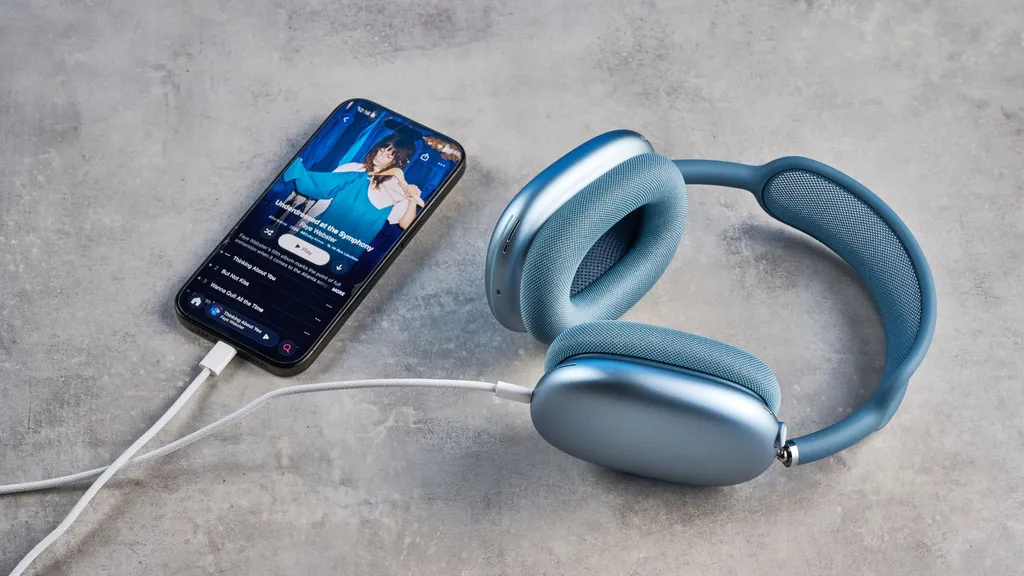
Smartphones have hidden settings that can help protect users' hearing. Both Apple and Google offer features that alert users when they are approaching dangerous volume levels or automatically limit the maximum volume. These settings are often buried in menus, making them difficult for many users to find and enable.
- ▪Headphone volume often increases over time, leading to potential hearing damage.
- ▪Apple's iPhone has features that can notify users of unsafe listening levels and automatically reduce volume.
- ▪Google's Hearing Wellness feature for Android devices tracks listening habits and alerts users when they are nearing unsafe volume levels.
Opening excerpt (first ~120 words) tap to expand
Phones Your smartphone has hidden settings that protect your hearing — here's how to enable them How To By Kaycee Hill published 3 June 2026 Don't wait until it's too late When you purchase through links on our site, we may earn an affiliate commission. Here’s how it works. (Image credit: Tom's Guide) Copy link Facebook X Reddit Email Share this article 0 Join the conversation Follow us Add us as a preferred source on Google Newsletter Subscribe to our newsletter Headphone volume creeps up over time. You start at a reasonable level, then gradually increase it to compensate for ambient noise, distraction, or just habit. Before you realize it, you're listening at levels that damage your hearing.
…
Excerpt limited to ~120 words for fair-use compliance. The full article is at Tom's Guide.
Discussion
0 commentsMore from Tom's Guide