Your iPhone is secretly ruining your video audio — here’s the fix
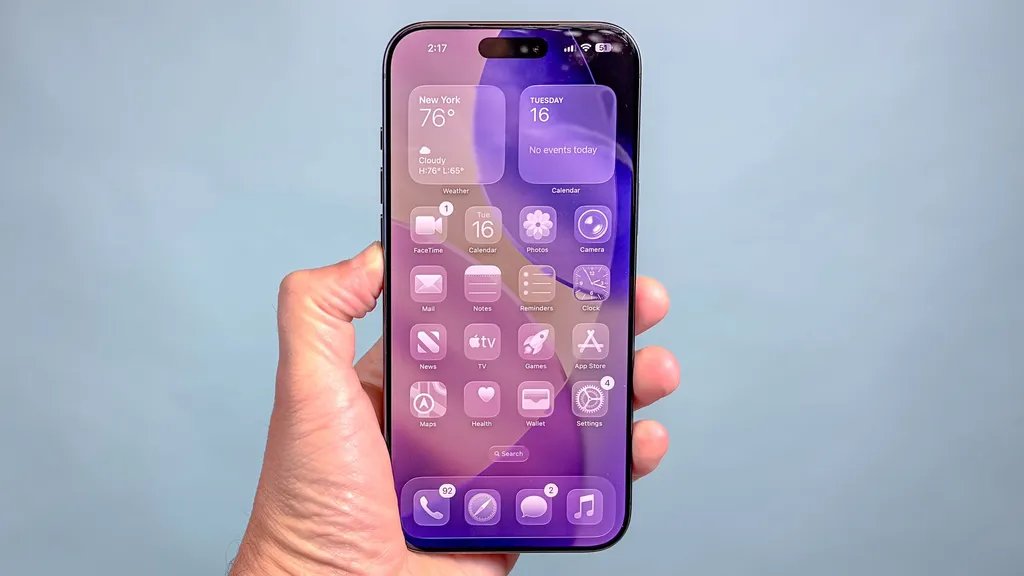
iPhone users may be unaware that a feature called Audio Zoom can negatively impact the audio quality of their videos. This feature mutes background sounds to focus on the subject, resulting in lifeless recordings, especially in lively environments. Fortunately, iOS 26.4 introduced a toggle to disable Audio Zoom, allowing users to capture full ambient sound during video recordings.
- ▪Audio Zoom mutes background sounds when zooming in on subjects during video recording.
- ▪The feature can make live recordings sound clinical and devoid of atmosphere.
- ▪iOS 26.4 allows users to turn off Audio Zoom for a more immersive audio experience.
Opening excerpt (first ~120 words) tap to expand
Phones iPhones Your iPhone is secretly ruining your video audio — here’s the fix How To By Kaycee Hill published 21 May 2026 I finally found the reason my iPhone videos sounded so lifeless When you purchase through links on our site, we may earn an affiliate commission. Here’s how it works. (Image credit: Tom's Guide) Copy link Facebook X Reddit Email Share this article 0 Join the conversation Follow us Add us as a preferred source on Google Newsletter Subscribe to our newsletter You record a video at a concert, play it back, and something's off. The crowd noise is gone. The room acoustics have vanished. Despite all that visual energy, the audio sounds clinical and lifeless, like it was recorded in a studio.
…
Excerpt limited to ~120 words for fair-use compliance. The full article is at Tom's Guide.
Discussion
0 commentsMore from Tom's Guide