Why Your Docker Container Is 1.2GB When It Should Be 80MB
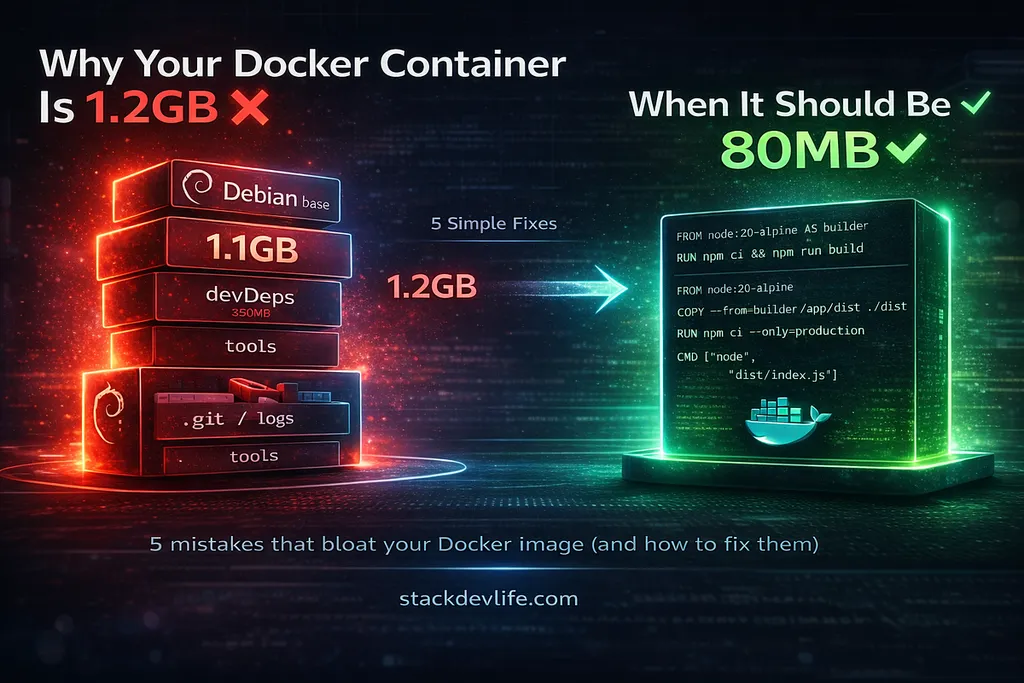
Docker images can often be larger than necessary, leading to increased deployment times and costs. Common mistakes include using the wrong base image and installing unnecessary development dependencies. By making adjustments such as switching to a minimal base image and utilizing multi-stage builds, image sizes can be significantly reduced without altering application code.
- ▪Docker images can bloat to sizes like 1.2GB when they could be as small as 80MB.
- ▪Using the wrong base image contributes to the majority of image size bloat.
- ▪Installing development dependencies in production images can unnecessarily increase their size.
Opening excerpt (first ~120 words) tap to expand
Why Your Docker Container Is 1.2GB When It Should Be 80MBSaandeep Baansod7 min read·Apr 15, 2026--ListenShareYou run docker images and see it. Your Node.js API image sitting at 1.2GB. Your colleague’s Python service at 1.8GB. A simple Go binary wrapped in a container at 900MB.Press enter or click to view image in full sizeWhy Your Docker Container Is 1.2GB When It Should Be 80MBYou ship it anyway because it works. The app runs fine. But that 1.2GB gets pulled on every deploy, pushed to every environment, stored in your registry, and downloaded by every developer on the team. At some point someone raises a cloud bill and everyone looks confused.I’ve audited production Docker setups across several projects. The same five mistakes appear every single time.
…
Excerpt limited to ~120 words for fair-use compliance. The full article is at Medium.
Discussion
0 commentsMore from Medium