
SetupHub – share and sync your VS Code / Cursor setup in one click
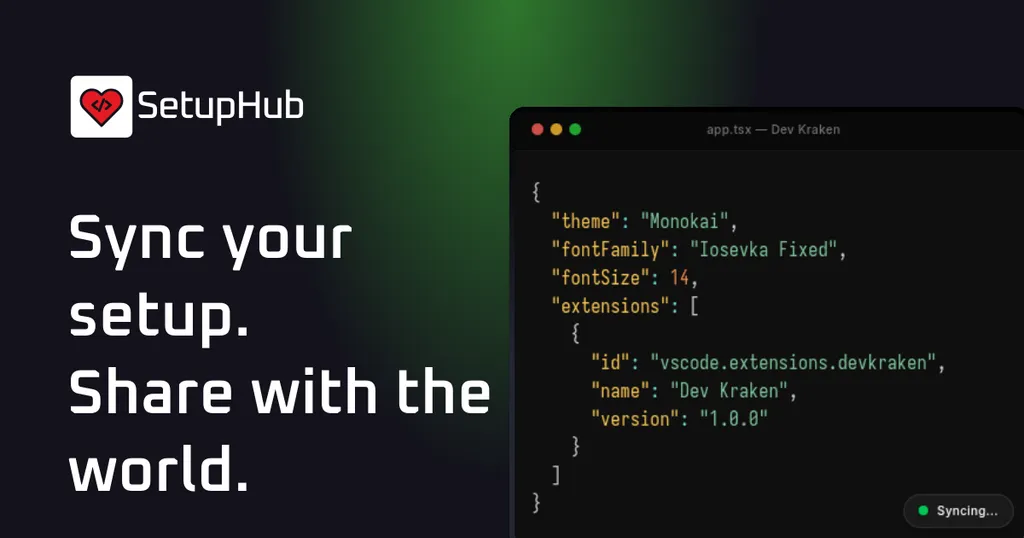
SetupHub is a new extension for VS Code that allows users to easily share and sync their development setup. By installing the extension and generating a secure token, users can publish their profiles without the need for manual JSON editing. This tool aims to streamline the process of sharing coding environments with others.
- ▪SetupHub is an extension available in the VS Code marketplace.
- ▪Users can generate a secure access token to publish their profiles.
- ▪The setup process does not require manual JSON editing.
Opening excerpt (first ~120 words) tap to expand
Sync your setup. Share with the world.Install our extension, generate a token, and instantly publish your VS Code profile. No manual JSON editing required.Install ExtensionBrowse SetupsHow it worksSync your setup. Share with the world.1. Install ExtensionSearch for Sync.ide in the VS Code marketplace and install.2. Generate TokenRun SetupHub: Sync My Setup to create your secure access token.3. Publish & ShareYour profile is instantly live. Copy the link or embed it in your portfolio.app.tsx — Dev Kraken{ "theme": "**********", "fontFamily": "**********", "fontSize": 14, "extensions": [ { "id": "vscode.extensions.setuphub", "name": "SetupHub", "version": "1.0.0" } ] }Syncing...DKDev Kraken@devkrakenCurrent StackMonokaiColor ThemeIosevkaTypography@devkraken
Excerpt limited to ~120 words for fair-use compliance. The full article is at SetupHub.
Discussion
0 commentsMore from SetupHub


