Setting Up Your Own Large Language Model
The article discusses setting up a large language model on a personal laptop, highlighting the benefits of having a local model for sensitive tasks and data sovereignty. The author installs Qwen 3 8B, a fully open-source model, on their MacBook Air and provides a practical guide for running a local LLM. This approach allows for offline use and eliminates concerns about API costs, export controls, and data retention policies.
- ▪The Qwen family of models are fully open source and available for download on the internet.
- ▪Running a local model provides digital sovereignty, allowing users to keep their data private and secure.
- ▪The Qwen 3 8B model has 9 billion weights and takes up around 6gb of RAM when loaded.
Opening excerpt (first ~120 words) tap to expand
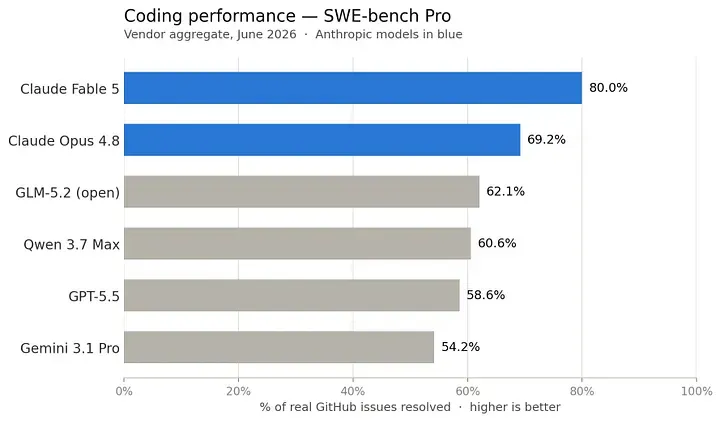
Large Language Models Setting Up Your Own Large Language Model Still a long way to go, but the future is promising Ivo Bernardo Jul 4, 2026 12 min read Share Image by Author You’ve likely seen the headlines: frontier AI models are increasingly at risk of being locked behind strict export controls or mounting API costs. As this technology embeds itself into our daily lives, the open-source movement isn’t just a philosophical preference, it is a necessary mechanism to keep AI in the hands of everyday users. We aren’t at parity yet; the proprietary models from the massive tech labs still hold a commanding lead in pure performance. But, we can hope that the gap is closing fast.
…
Excerpt limited to ~120 words for fair-use compliance. The full article is at Towards Data Science.
Discussion
0 commentsMore from Towards Data Science