Install Guide: KDE Neon for a professional digital painter workstation
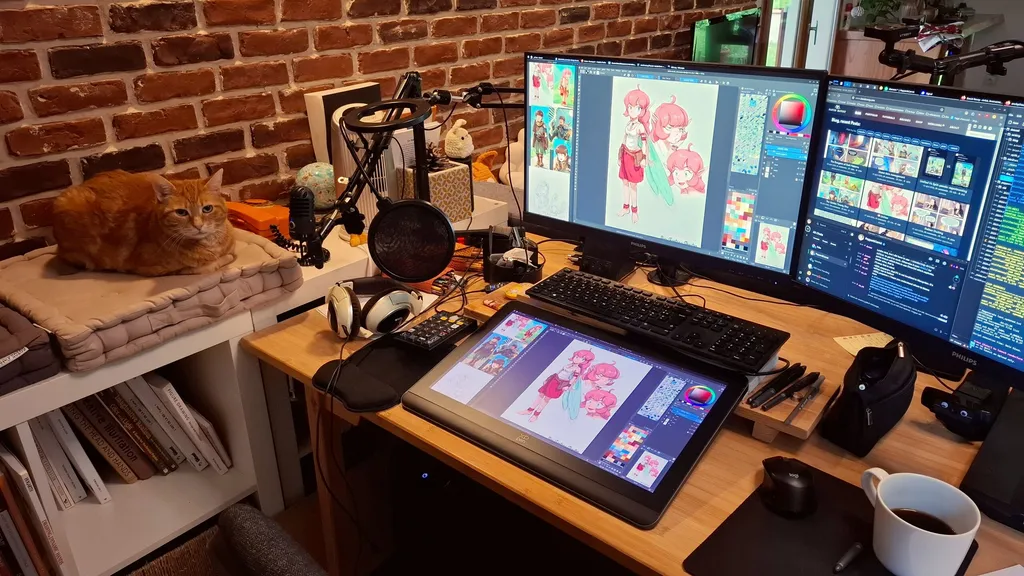
The article provides an interim install guide for KDE Neon User Edition aimed at professional digital painters. It addresses the challenges faced by artists transitioning from proprietary operating systems to GNU/Linux, particularly in relation to drawing tablets and color management. The guide serves as a resource for artists seeking to replicate a successful workstation setup.
- ▪The guide is designed for professional digital artists, including comic artists and graphic designers.
- ▪It highlights the difficulties artists have faced with Wayland distributions in recent years.
- ▪The author shares their personal experience and setup to assist others in making the transition to KDE Neon.
Opening excerpt (first ~120 words) tap to expand
Interim Install Guide: KDE Neon User Edition for a professional digital painter workstation Published on 22 may 2026 Table of Contents1. Introduction:2. Interim?A. After years of broken Wayland distro for artistsB. A brighter future3. Why KDE Neon User Edition:A. RequirementsB. A long phase of testingC. Compromises4. HardwareA. General recommendation:PC:Drawing tablet:B. My hardwarea. PC Workstation:b. Laptop:5. InstallationA. The Live/Intall ImageB. My partition setup6. KDE Plasma 6A. Notable KDE Neon UE bugsB. Notable improvements VS Plasma 5 X11C. Theme and screenshot galleryD. Adjustmentsa. Don't auto upscaleb. Don't "edge barrier" on multi monitorsc. Don't darken the parent windowd. Disable the hot cornere. Dolphin's thumbnailsf. Misc7. Color managementA. Create an ICCB.
…
Excerpt limited to ~120 words for fair-use compliance. The full article is at David Revoy.
Discussion
0 commentsMore from David Revoy