I love my Samsung TV, but this feature was driving me crazy and wasting my money — here's how to turn it off
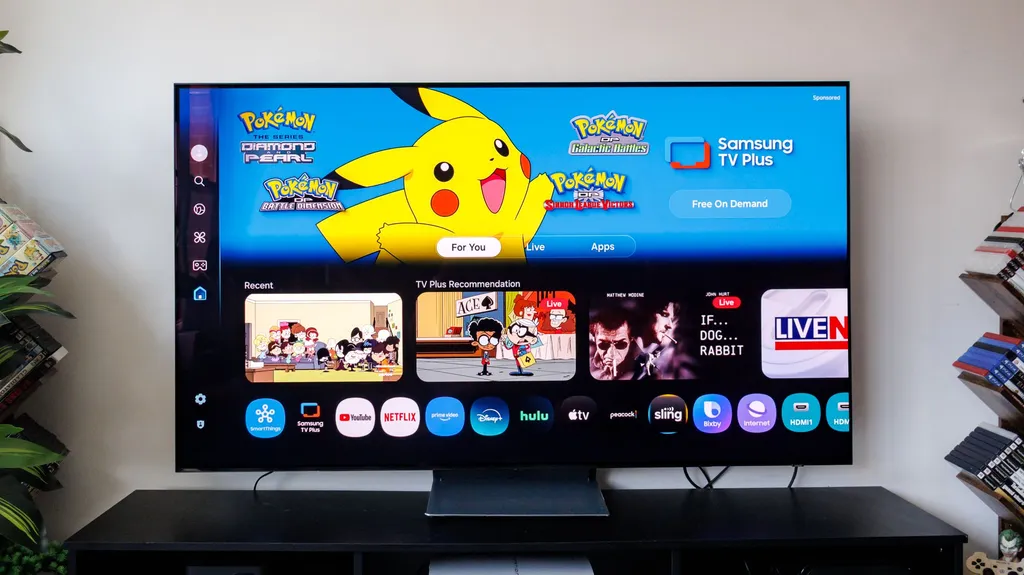
The author of the article was experiencing issues with their Samsung TV turning on by itself due to its motion detection feature. This feature, which is intended to save power, was actually wasting energy and driving the author crazy. The article provides steps on how to disable this feature and save energy costs.
- ▪Many Samsung TV models use built-in motion detection to wake themselves up when they sense movement.
- ▪The motion detection feature can be disabled through the TV's settings menu by toggling off the Motion Detection or Presence Detection switch.
- ▪The feature can also be tied to accessibility settings or smartphone and smart home integrations, which may need to be adjusted separately.
Opening excerpt (first ~120 words) tap to expand
TVs I love my Samsung TV, but this feature was driving me crazy and wasting my money — here's how to turn it off How To By Kaycee Hill published 30 June 2026 Disable Samsung TV motion detection with these simple steps When you purchase through links on our site, we may earn an affiliate commission. Here’s how it works. (Image credit: Tom's Guide) Copy link Facebook X Reddit Email Share this article 0 Join the conversation Follow us Add us as a preferred source on Google Newsletter Subscribe to our newsletter Most of us try to be mindful of our electricity usage, so discovering that a household appliance is powering itself on behind your back is incredibly frustrating.
…
Excerpt limited to ~120 words for fair-use compliance. The full article is at Tom's Guide.
Discussion
0 commentsMore from Tom's Guide