How to use the Dockmaster's Detector to beachcomb in Arc Raiders
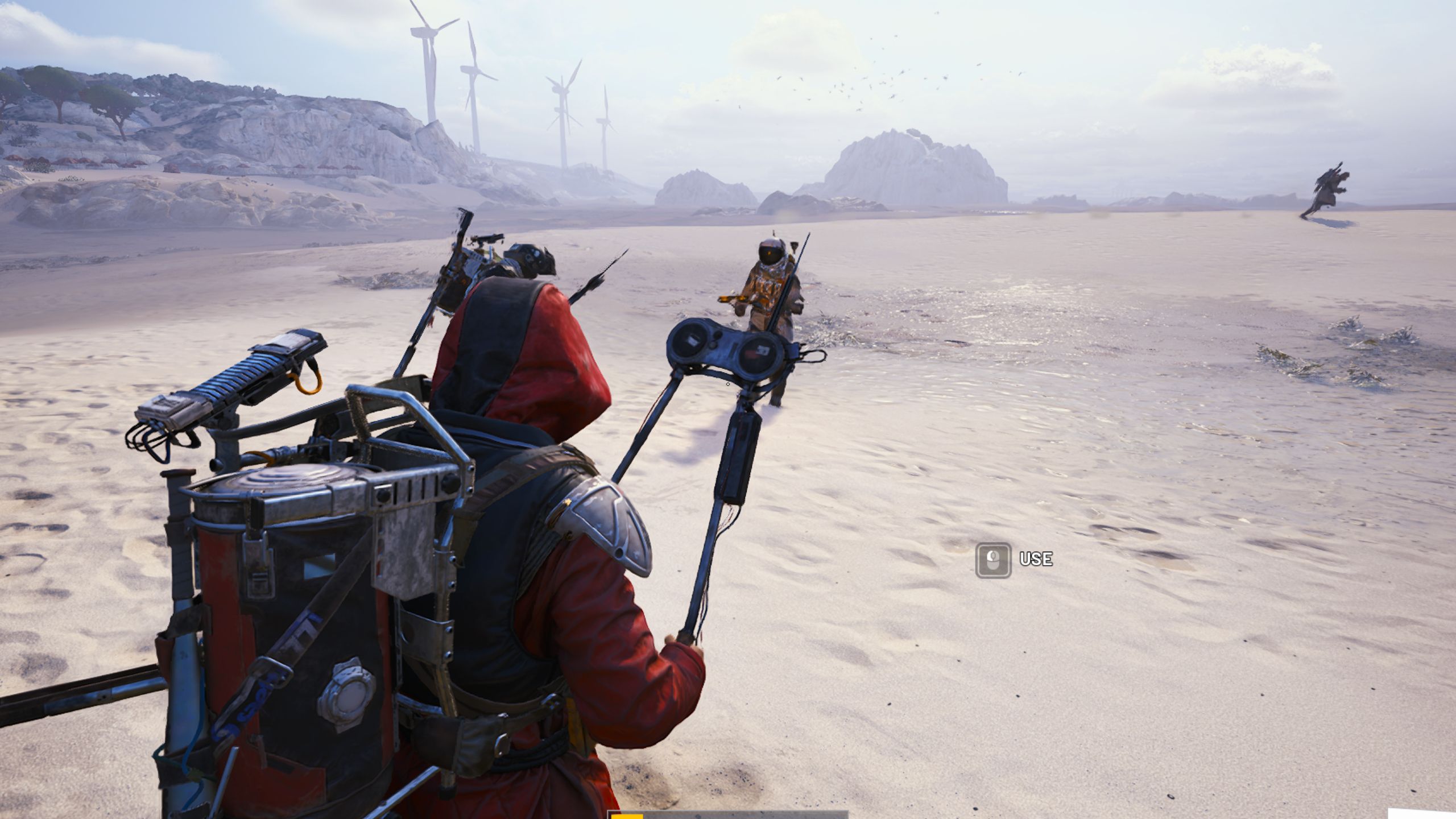
Grab a metal detector and sift through the sand.
Full article excerpt tap to expand
Games Third Person Shooter Arc Raiders How to use the Dockmaster's Detector to beachcomb in Arc Raiders Guides By Rory Norris published 28 April 2026 Grab a metal detector and sift through the sand. When you purchase through links on our site, we may earn an affiliate commission. Here’s how it works. (Image credit: Embark) Jump to: Dockmaster's Detector Beachcombing explained Copy link Facebook X Whatsapp Reddit Pinterest Flipboard Email Share this article 0 Join the conversation Follow us Add us as a preferred source on Google Newsletter Subscribe to our newsletter The Riven Tides update adds a new beach resort map to Arc Raiders, so why not kick back and play in the sand? That's what the Beachcombing map condition is all about, letting you search for buried treasure on the shore. However, you'll need the Dockmaster's Detector first.Beachcombing is unlike any other map condition currently in the game, in that you actually need to bring a specific item into the match to really get the most out of it. That's the Dockmaster's metal detector, and you'll need to equip it like a gadget.How to get the Dockmaster's Detector in Arc Raiders (Image credit: Embark)Before you can start scanning for treasure, you need to obtain a Dockmaster's Detector. This is a new gadget that's effectively a metal detector. You can get a Dockmaster's Detector from: You may like The next Arc Raiders map drops today, and so does this evil floating cone How to complete Shoring Up Defenses in Arc Raiders This week in Arc Raiders: How to get ready for the Riven Tides update Looting containers and other players (including during the Beachcombing condition)Accepting the Shoring Up Defenses questCompleting the first step of the Avian Alarm project by placing the bird trapIt's possible that you can even find a Dockmaster's Detector blueprint to craft these gadgets for yourself. That would be nice, as the only consistent method of getting them otherwise is hoping you get lucky while looting.Once you've got a Dockmaster's Detector, you'll need to equip it as a quick slot item in your loadout, as you would a grenade or healing item, before entering a Beachcombing-enabled match on Riven Tide.If you haven't unlocked the Dockmaster's Detector, it's still worth heading to the shoreline. Why? Because there's a chance you'll find a player who has unlocked the Dockmaster's Detector. I'm not endorsing PvP, but you could kill them and take their metal detector. Or maybe you can convince them to share.How Beachcombing works in Arc Raiders if (window.sliceHydrationLazy) { window.sliceHydrationLazy("imageGallery-NpBqSMT6XyHrAHhqhXXMzm-NZfynPUq92nCOZ3VROPIoKZwDy3c18PE", "imageGallery", JSON.stringify({"galleryData":[{"title":"","description":[],"image":{"id":"ZceqtXpvnXZnRXfg6WNs4K","name":"arc raiders beachcombing map condition","credit":{"text":"(Image credit: {subject})","subject":"Embark"},"src":"https:\/\/cdn.mos.cms.futurecdn.net\/ZceqtXpvnXZnRXfg6WNs4K.jpg","alt":"Arc Raiders Beachcombing: The Beachcombing map condition active on the Riven Tide map.","width":2560,"height":1440,"srcSetSizes":[320,480,650,970,1024,1200],"sizes":{"default":"calc(100vw - 40px)","1000px":"970px"},"fullscreen":false,"lazyLoading":true,"addSEOMetaData":false,"removeNativeWidthRestriction":false,"dataBordeauxImageCheckAttr":false,"noCredit":false}},{"title":"","description":[],"image":{"id":"cHs8hna4snn2CehSEEma9K","name":"arc raiders dockmasters detector","credit":{"text":"(Image credit:…
This excerpt is published under fair use for community discussion. Read the full article at PCGamer latest .
Discussion
0 commentsMore from PCGamer latest