
Backing up Google Drive to a VPS with rclone
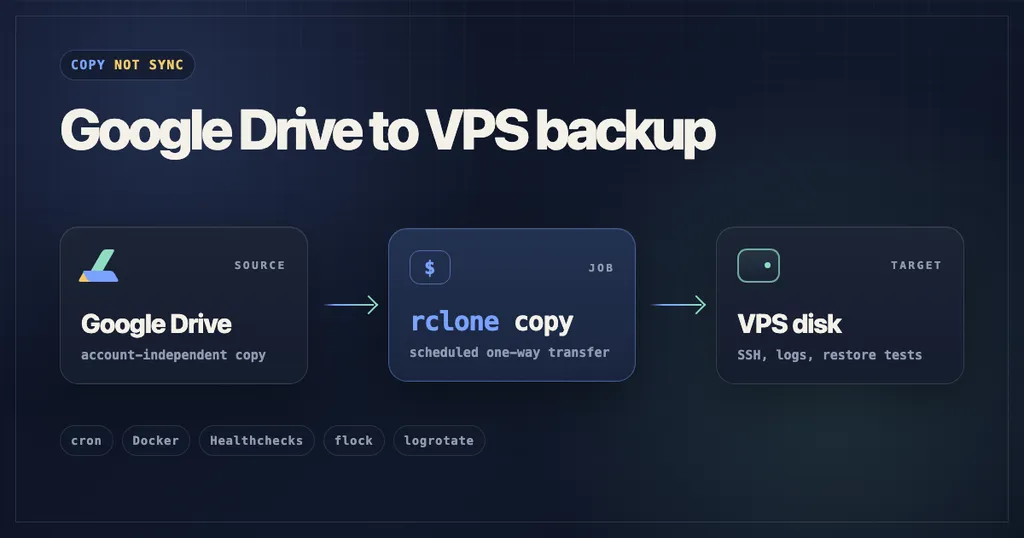
The article discusses how to back up Google Drive to a VPS using rclone. It outlines the setup process, including the use of cron jobs and Docker for efficient backups. The author emphasizes the importance of maintaining access to files outside of Google Drive to prevent data loss.
- ▪The author uses a VPS to create a backup of Google Drive files to avoid losing access to them.
- ▪A cron job is set up to run rclone copy every six hours, ensuring regular backups.
- ▪The setup involves using Docker to run rclone without installing it directly on the server.
Opening excerpt (first ~120 words) tap to expand
June 2nd, 2026 Backing up Google Drive to a VPS with rclone By Mihovil Ilakovac — 6 min read Contents What did I want from this?The duct tape backup jobGoogle OAuth can bite youOne small Docker mount trapAnother easy way to break cronThe actual copy commandHealthchecks.ioWhat about logs?Some things to keep in mind I use Google Drive because it is convenient and I am too lazy to move everything somewhere else right now. But one thing kept bothering me: what happens if I lose access to the account? The files may still exist somewhere in Google land, but that does not help me much if I cannot get to them. So I made a small escape hatch: a backup on infrastructure I own or rent. In my case, a VPS disk. TLDR: A cron job runs rclone copy in Docker.
…
Excerpt limited to ~120 words for fair-use compliance. The full article is at Ilakovac.
Discussion
0 commentsMore from Ilakovac


