Apple buried a genius browsing feature in your iPhone settings — and it's genuinely useful
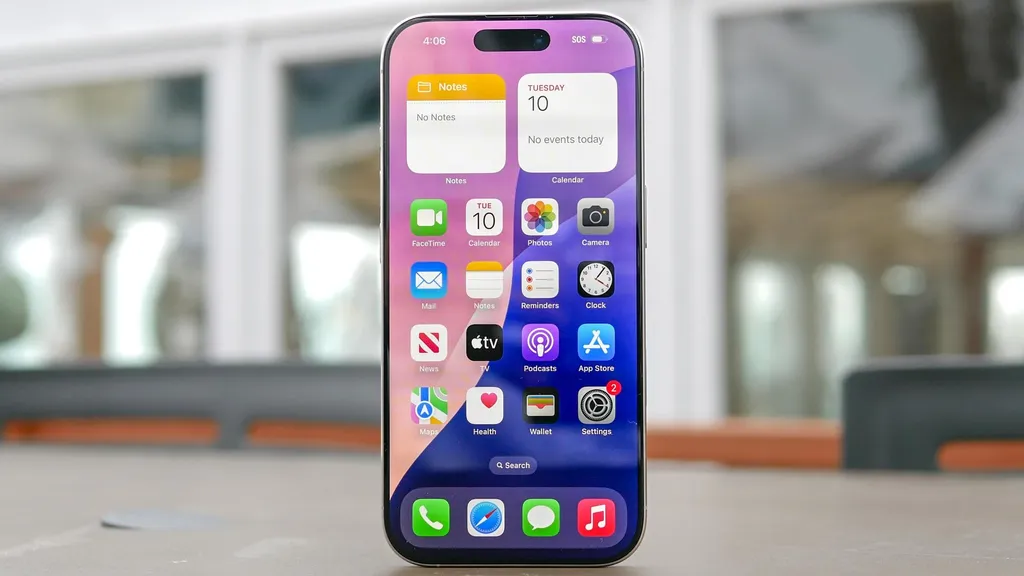
Apple has introduced a useful feature in iPhone settings that allows users to open links in Safari without losing their current page. By toggling a setting, users can have links open in the background, making it easier to browse and compare information. This small adjustment significantly enhances the browsing experience, especially for research-heavy tasks.
- ▪Users can now open links in the background on Safari by changing a setting in their iPhone.
- ▪The feature allows for a more efficient browsing experience by keeping the current page in view while links load.
- ▪To enable this feature, users need to navigate to Settings, then Safari, and adjust the Open Links option.
Opening excerpt (first ~120 words) tap to expand
Phones iPhones Apple buried a genius browsing feature in your iPhone settings — and it's genuinely useful How To By Kaycee Hill published 21 May 2026 This annoying iPhone browsing flaw can be fixed with a toggle When you purchase through links on our site, we may earn an affiliate commission. Here’s how it works. (Image credit: Tom's Guide) Copy link Facebook X Reddit Email Share this article 0 Join the conversation Follow us Add us as a preferred source on Google Newsletter Subscribe to our newsletter You're deep in a rabbit hole: comparing hiking boots, researching a trip, reading a piece with seventeen footnotes. Every time you tap a link in Safari, it yanks you away from the page you were on. Open a link, navigate back, open another, navigate back.
…
Excerpt limited to ~120 words for fair-use compliance. The full article is at Tom's Guide.
Discussion
0 commentsMore from Tom's Guide